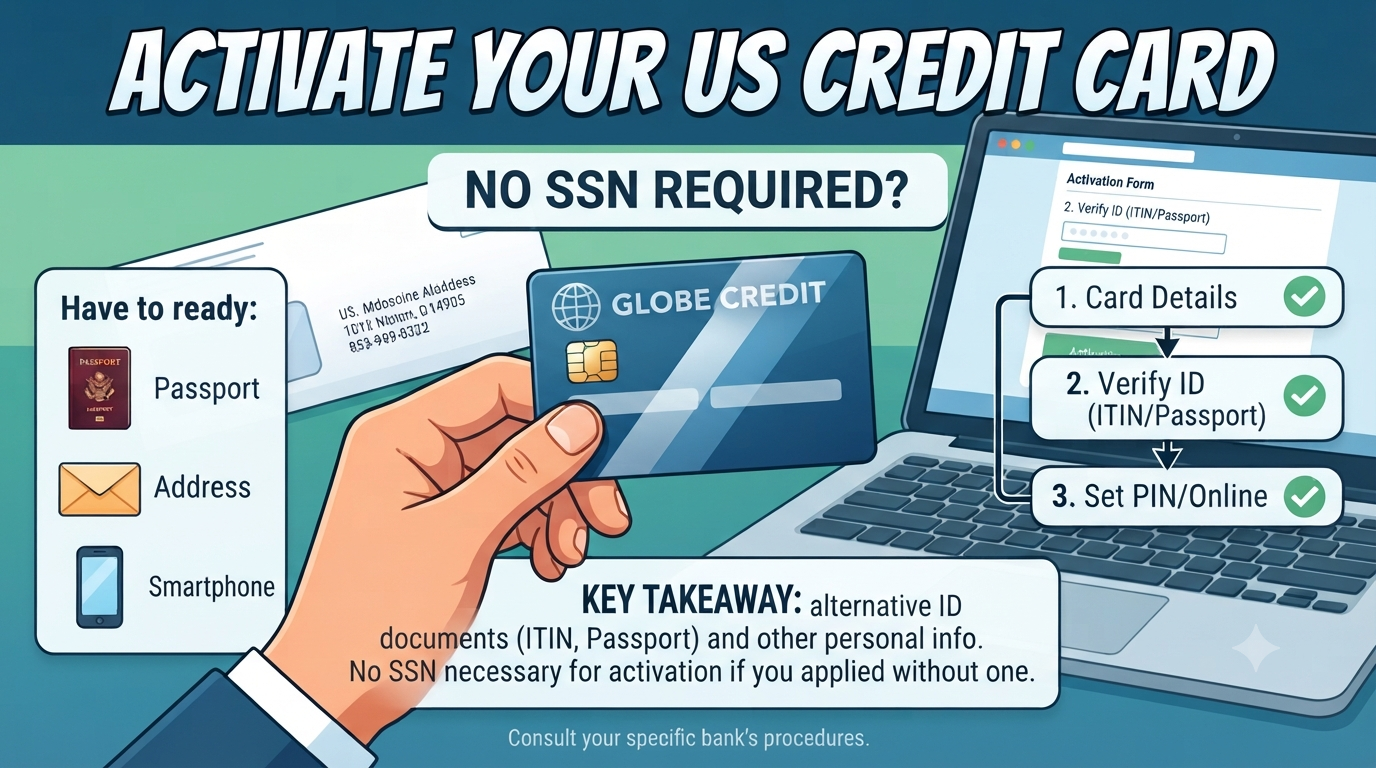
How to Activate a Credit Card Without a Social Security Number
Got a new credit card in the mail but don’t have a Social Security Number (SSN)? You are not alone. Many international students, new immigrants, and workers in the US hold a card without an SSN. The good news is that activating it is usually simple.
In this guide, you will learn how to activate a credit card without a Social Security Number, what details you need, and what to do if the activation process asks for an SSN.
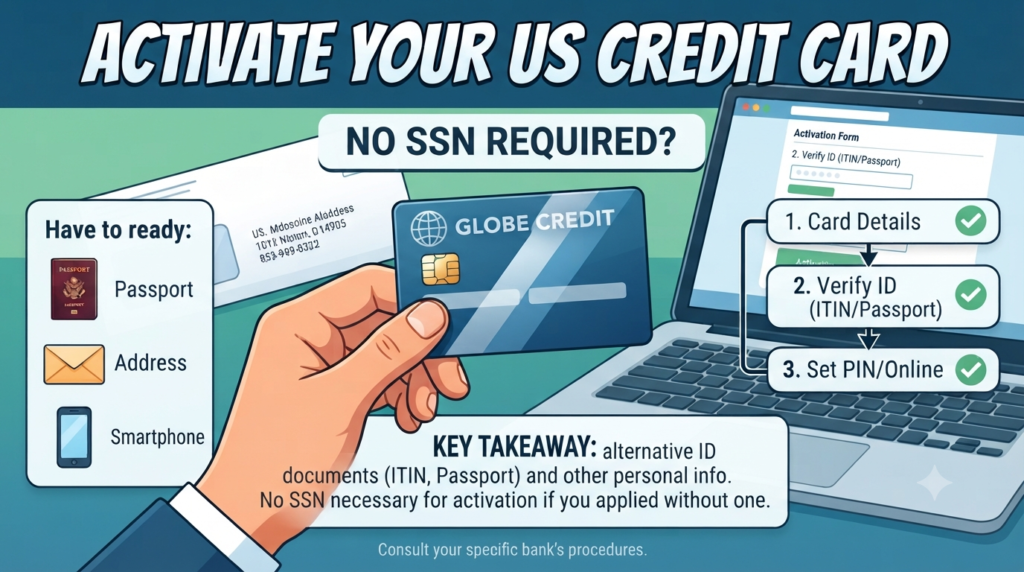
Do You Need an SSN to Activate a Credit Card?
In most cases, no. Activation is different from applying.
When you applied, the bank checked your identity using an SSN, an Individual Taxpayer Identification Number (ITIN), a passport, or other approved documents. Once the card is approved and mailed, activation only confirms that you received it. Banks usually ask for:
• Your card number
• Expiration date and security code (CVV)
• Date of birth
• Billing ZIP code
• Sometimes the last four digits of your ID number on file
If you applied without an SSN, the bank does not have one on file. So it won’t ask for it. It will use the details you gave during the application instead.
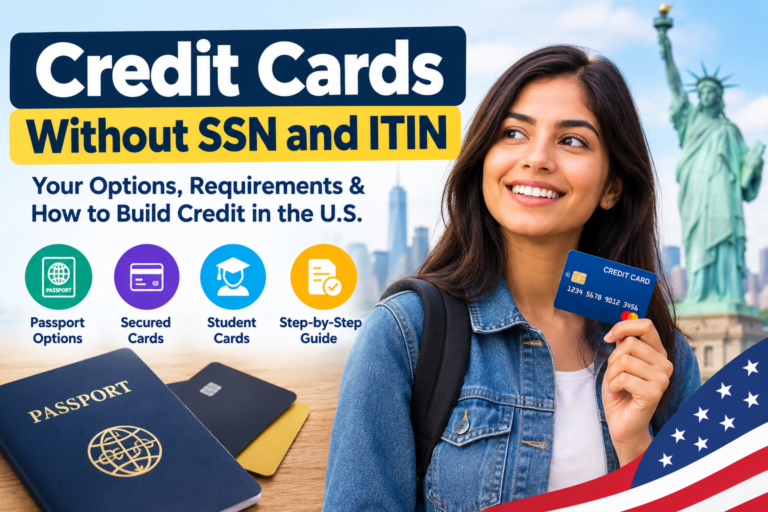
Not sure which cards accept applicants without an SSN? Check our guide on Credit Cards Without SSN and ITIN before you apply.
What to Keep Ready Before You Activate
A little preparation saves time. Have these items nearby:
1. Your new card. Check that the name on it is correct.
2. The welcome letter or sticker. It often has the activation phone number and website.
3. Your phone number and email. Banks may send a one-time passcode (OTP).
4. Your ID details. This could be your ITIN, passport number, or the identification you used on your application.
5. Your current address. It must match what the bank has on file.
4 Easy Ways to Activate Your Credit Card
Most US banks offer several options. Choose the one that feels easiest.
1. Activate Through the Mobile App
This is the fastest way for most people.
1. Download your bank’s official app from the App Store or Google Play.
2. Log in or create an account using your card number.
3. Look for “Activate Card” on the home screen or in the menu.
4. Enter the card details and confirm your identity with an OTP.
5. Wait for the success message.
2. Activate Online
If you prefer a computer, go to the website printed on your card’s sticker.
1. Open the official issuer website.
2. Click “Activate Card” or “Register Card.”
3. Type in your card number, expiration date, and CVV.
4. Verify your identity with your date of birth and ZIP code.
5. Set up your online login so you can manage the card later.
Always type the website address yourself or use the link on your card paperwork. Never click activation links from random emails or texts.
3. Activate by Phone
Call the number on the sticker or on the back of your card. An automated system will walk you through the steps. You will enter your card number and verify a few personal details. If the system asks for something you don’t have, press the option to speak with a representative.
4. Activate With Your First Purchase or ATM PIN
Some banks activate a card when you use it for the first time, such as when you insert it and enter a PIN at an ATM or make a chip purchase. This isn’t offered by every issuer, so check your welcome letter first.
What If the Bank Asks for Your SSN During Activation?
This can happen, and it is not a reason to panic. Here is what to do.
Step 1: Stay calm and don’t guess. Never enter a fake or someone else’s number. This can lock your account or cause legal problems.
Step 2: Check how you applied. If you applied with an ITIN, use your ITIN. If you used a passport or visa, ask the bank how to verify with that document.
Step 3: Call customer service. Explain that you applied without an SSN and ask for an alternative verification method. Representatives handle this all the time.
Step 4: Offer other proof if needed. The bank may accept a passport, visa, or proof of address by mail or secure upload.
Credit Cards You Can Get Without an SSN
If you don’t have a card yet, or you want a second one, you still have options. Many issuers accept an ITIN or other documents. A few popular paths include:
• Secured credit cards. You pay a refundable deposit that usually becomes your credit limit. These are easier to get when you have no US credit history.
• Cards from credit unions. Some local credit unions are flexible with ID requirements.
To see current options in detail, read our full list of the Credit Card Without SSN choices.
If you want to save money while building credit, look at credit cards with no annual fee and cash back. A no-fee card means you keep more of your money, and cash back rewards you for everyday spending.
Like premium-looking cards? You can also explore the best metal credit cards with no annual fee. Just remember that eligibility rules still apply, and approval depends on the issuer.
Smart Tips After You Activate Your Card
Activating the card is only the first step. These habits help you build strong credit in the US:
• Sign the back of the card if there is a signature panel.
• Set up alerts for purchases, payments, and due dates.
• Turn on autopay for at least the minimum payment so you never miss a due date.
• Keep your balance low. Try to use less than 30% of your credit limit.
• Pay in full when you can to avoid interest charges.
• Check your statement every month for charges you don’t recognize.
Common Activation Problems and Quick Fixes
The app or website says “card not found.” Check that you typed the card number correctly. If the card arrived very recently, wait a few hours and try again.
The address doesn’t match. Use the exact address from your application, including apartment numbers.
Final Thoughts
Learning how to activate a credit card without a Social Security Number is easier than most people think. In most cases, you only need your card details, date of birth, and the identification you used when applying. If the bank asks for an SSN you don’t have, don’t guess. Contact customer service and ask about other ways to verify your identity.
Once your card is active, use it responsibly. Pay on time, keep balances low, and watch your credit grow step by step.
Note: This article is for general information only and is not financial or legal advice. Card terms vary by issuer, so always read your cardholder agreement.
Frequently Asked Questions (FAQs)
1. Can I activate a credit card without an SSN?
Ans – Yes, in most cases. Activation usually needs your card details and a few personal facts. If you applied without an SSN, the bank will verify you with the information you provided in your application.
2. Why is my bank asking for an SSN when I activate my card?
Ans – Some banks use the last four digits of an ID number to confirm identity. If you applied with an ITIN or another document, contact customer service and ask for an alternative way to verify.
3. Can I use an ITIN to activate a credit card?
Ans – Often yes, if you applied using your ITIN. Enter it only if the system accepts it, or ask a representative to help.
4. Is it safe to activate my card online?
Ans – Yes, if you use the official issuer website or app. Avoid links in unexpected emails or text messages, because these may be scams.
5. How long does activation take?
Ans – Usually just a few minutes. Your card often works right after you finish activating it.
6. Can I build credit in the US without an SSN?
Ans – Yes. Some issuers report to credit bureaus using an ITIN, and secured cards are a common starting point. Use the card responsibly and pay on time.